Drag-and-Drop Builder
Deploy complex forms instantly with a visual editor that turns ideas into production-ready surveys, applications, and checkouts in minutes.
Build Forms Without Code
Drag fields from the component sidebar, drop them onto the infinite canvas, and configure properties with a point-and-click interface. FormFlow supports 45+ field types including matrix tables, file uploads, digital signature pads, and payment gateways.
Smart Component Library
Insert pre-built blocks like "Shipping Address" or "NDA Agreement" that auto-configure validation rules, CSS classes, and API mappings.
Real-Time Collaboration
Invite team members to edit forms simultaneously. See cursors, leave comments on specific fields, and track version history with rollback capabilities.
Accessibility Compliance
Every element is WCAG 2.1 AA compliant by default. Auto-generated ARIA labels, focus management, and keyboard navigation ensure inclusive forms.
Dynamic Forms That Adapt
Create intelligent workflows that respond to user input. FormFlow's logic engine handles branching paths, value calculations, and field dependencies through an intuitive visual rule builder.
Branching Paths
Direct respondents to specific sections based on answers. Example: If "Employment Status" is "Self-Employed", show tax ID fields and hide employer details.
Formula Engine
Calculate totals, discounts, or estimates on the fly. Use expressions like `(Quantity * Unit_Price) + Shipping` to update summary fields instantly without backend calls.
Custom Validation
Enforce complex constraints such as "End Date must be after Start Date" or "Total budget cannot exceed $50,000" with localized error messaging.
Optimized for Every Device
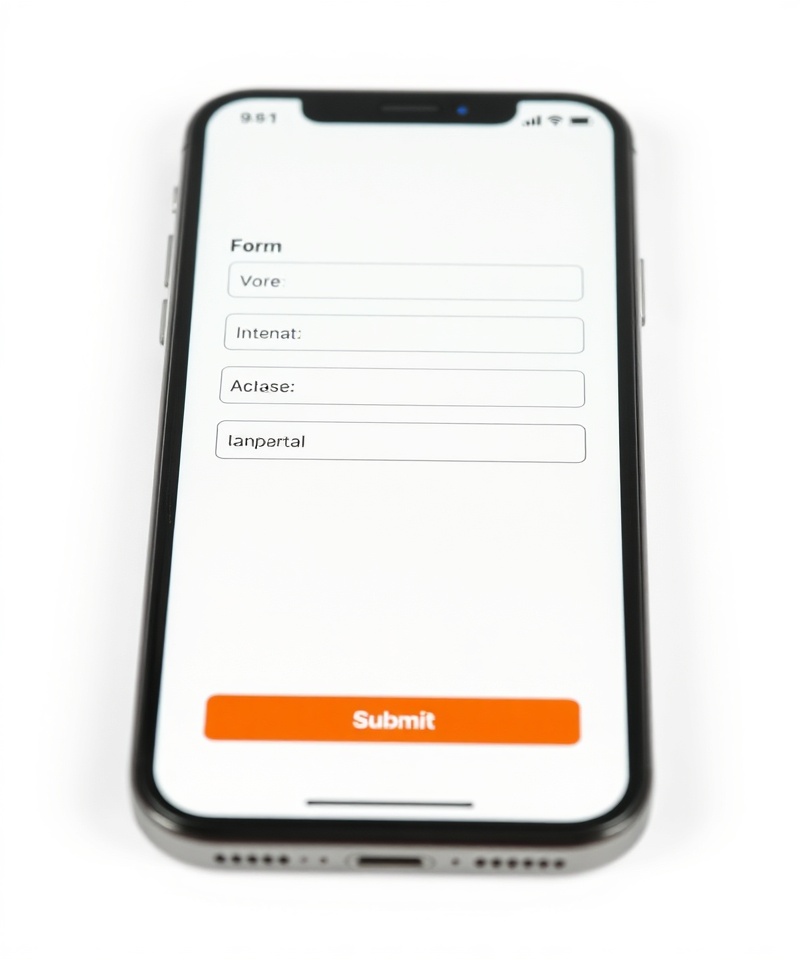
Over 62% of form submissions originate from mobile devices. FormFlow ensures your forms render flawlessly on phones, tablets, and desktops with automatic layout adjustments and touch-optimized interactions.
Touch-First Design
Inputs automatically adjust sizing and spacing for comfortable touch targets. Date pickers and dropdowns utilize native mobile interfaces for superior UX.
Offline Capability
Respondents can start filling out forms offline. Data syncs automatically when connectivity is restored, essential for field agents and conference check-ins.